

Queensland Rail · Capability development
Turning Adobe software training into practical tools for learning designers
A two-day Photoshop and Premiere Pro program redesigned around the real content-creation needs of instructional designers.
- Role
- Learning Experience Design & Facilitation
- Delivered
- Photoshop + Premiere Pro capability program
- Timeframe
- <1 week redesign
- Delivery
- 2 days · 16 hours
01 · The challenge
Software skills weren’t the real challenge.
The learners were instructional designers. They didn't need comprehensive Adobe training. They needed to use Photoshop and Premiere Pro confidently for the content-creation tasks they encountered in their work.
With less than a week before the next workshops, the program was rapidly reframed around those practical needs.
The question changed from “How do we teach Adobe?” to “What does an instructional designer actually need these tools to do?”
02 · The approach
Start with the work, not the software.
Rather than organising the program around menus, features and software functions, the learning was redesigned around practical content-creation tasks.
01
Audience before software
Focus only on the capabilities instructional designers actually needed.
02
Tasks before features
Teach tools through practical content-creation activities.
03
Demonstrate → Practise → Apply
Show the technique, practise it with support, then connect it to real work.
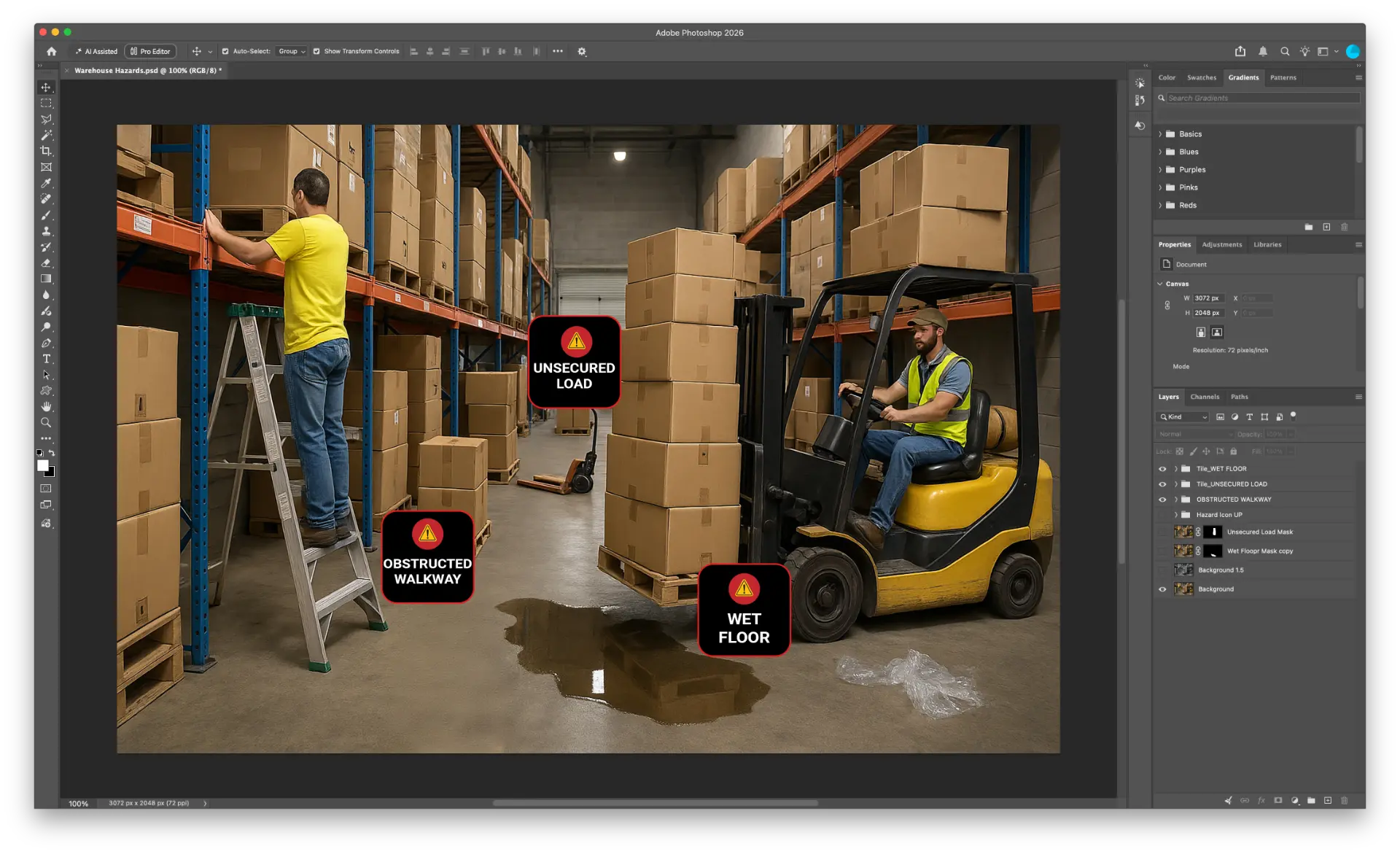
Photoshop
Practical visual-production exercises
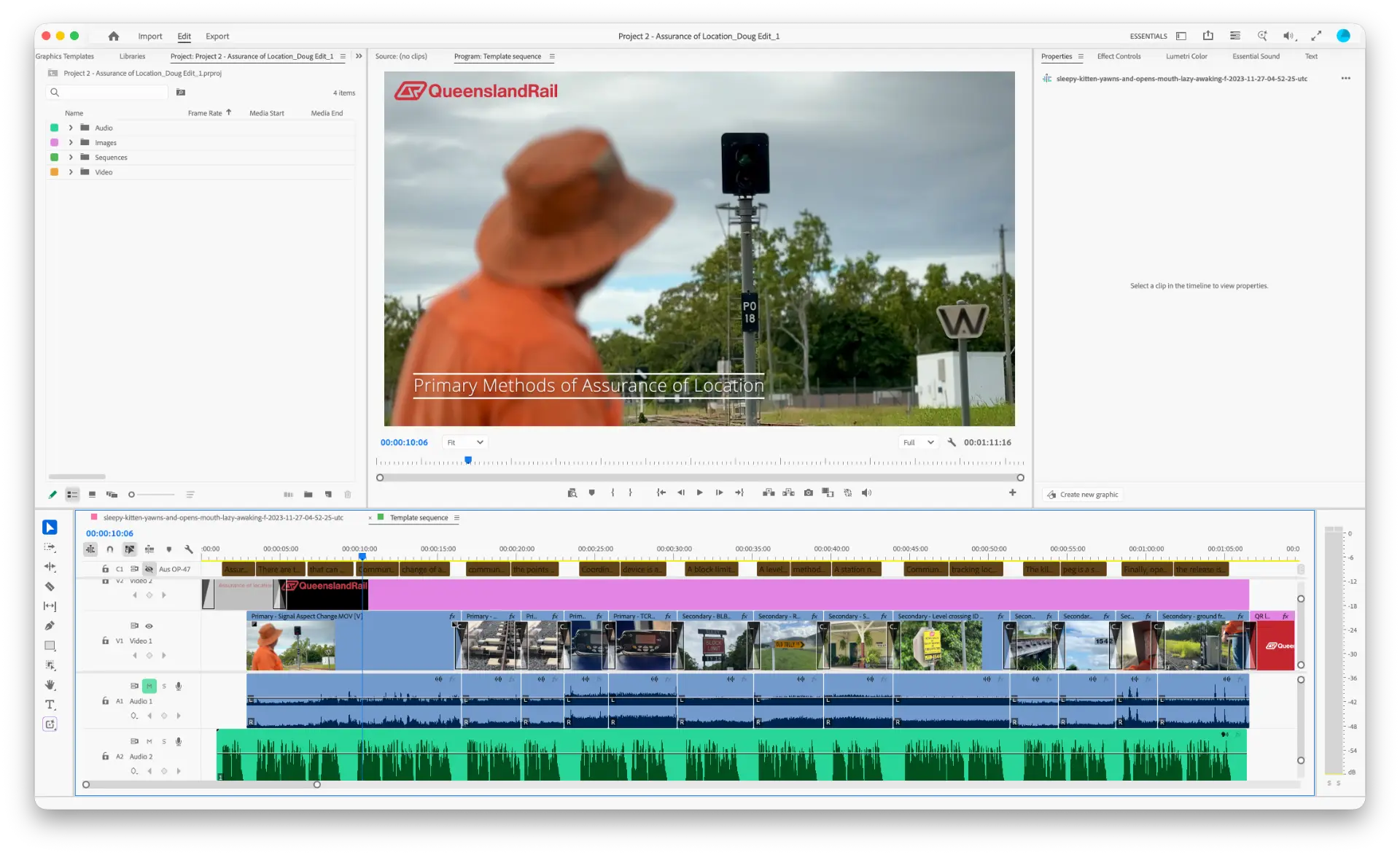
Premiere Pro
Real-world video editing and production
03 · The outcome
From software training to practical capability.
100%
of respondents agreed the exercises were relevant and useful.
The redesigned workshops connected Photoshop and Premiere Pro directly to the work of instructional designers, giving participants practical techniques they could continue applying after the sessions.
“All topics covered were useful, and at the right level for us as fairly new users of the programs. Photoshop, I liked masking the most and can see how this would be really useful in creating activities in online training.”
Have a learning challenge of your own?
Tell me what you’re trying to change, build or improve.
Start a conversation →